
Room Layout Planning for Teachers

Classroom Floor Plan Creator

The Classroom Floor Plan Creator helps teachers use a visual classroom floor planner to preview practical desk arrangements and teaching zones before shifting heavy furniture. By generating 2D overhead layouts and 3D perspective still images, the tool lets educators test how rows, collaborative pods, or U-shaped seating fit approximate room dimensions. You can check primary sightlines to instructional whiteboards, plan clear arrival pathways from the doorway, and position shared storage areas to keep daily transitions orderly.

Generates visual concept images based on estimated room dimensions and student counts. Conceptual layouts do not certify building codes or exact clearances; always verify physical measurements on site before moving furniture.

Your classroom layout concept

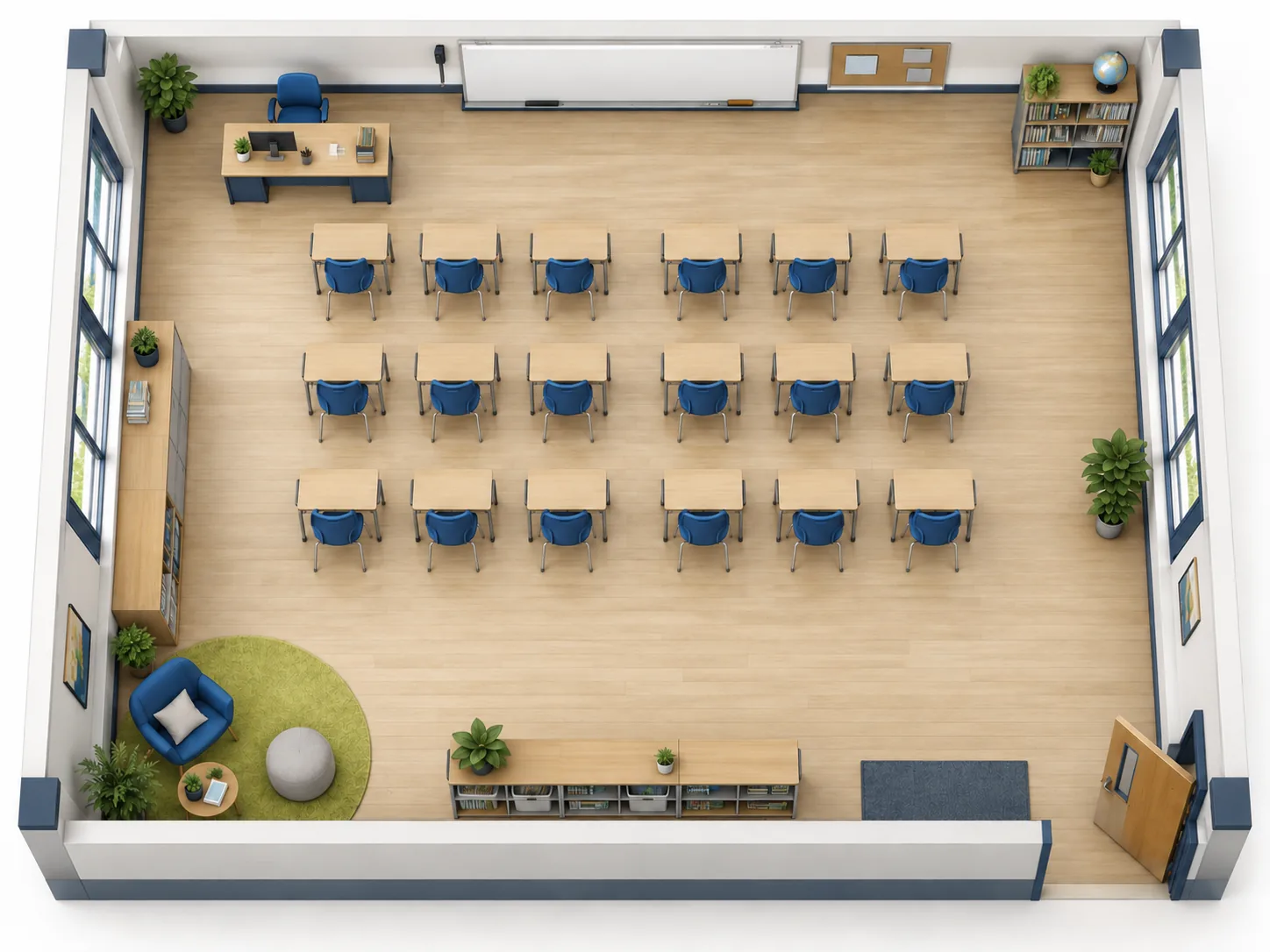
Top-down conceptual rendering of a classroom floor plan with student desks arranged in rows, front teacher desk, and center aisle
Your Classroom Concept Appears HereSet your room dimensions and seating arrangement, then generate a 2D layout or 3D visual concept based on your target student count.

Classroom layout brief

Standard Classroom (General K-12 / Lecture)30 × 26 ft · Target Student Count: 24 · RowsGenerates visual concept images based on estimated room dimensions and student counts. Conceptual layouts do not certify building codes or exact clearances; always verify physical measurements on site before moving furniture.

Generate a Classroom Layout Concept

Select your room type, enter estimated dimensions, choose a seating arrangement, and describe any storage or teaching zones to generate a visual layout concept.

Classroom footprint

Working unit: Metres or Feet

Unit changes convert your values. Switching from area estimates a rectangle; check its dimensions before generating.

Enter a target student count to guide desk arrangement and room layout density.

Seating Arrangement
Dedicated Room Zones
Student target & layout brief

Note board locations, door placement, main pathways, or specific furniture preferences.

Choose the presentation view

Checking your available credits…

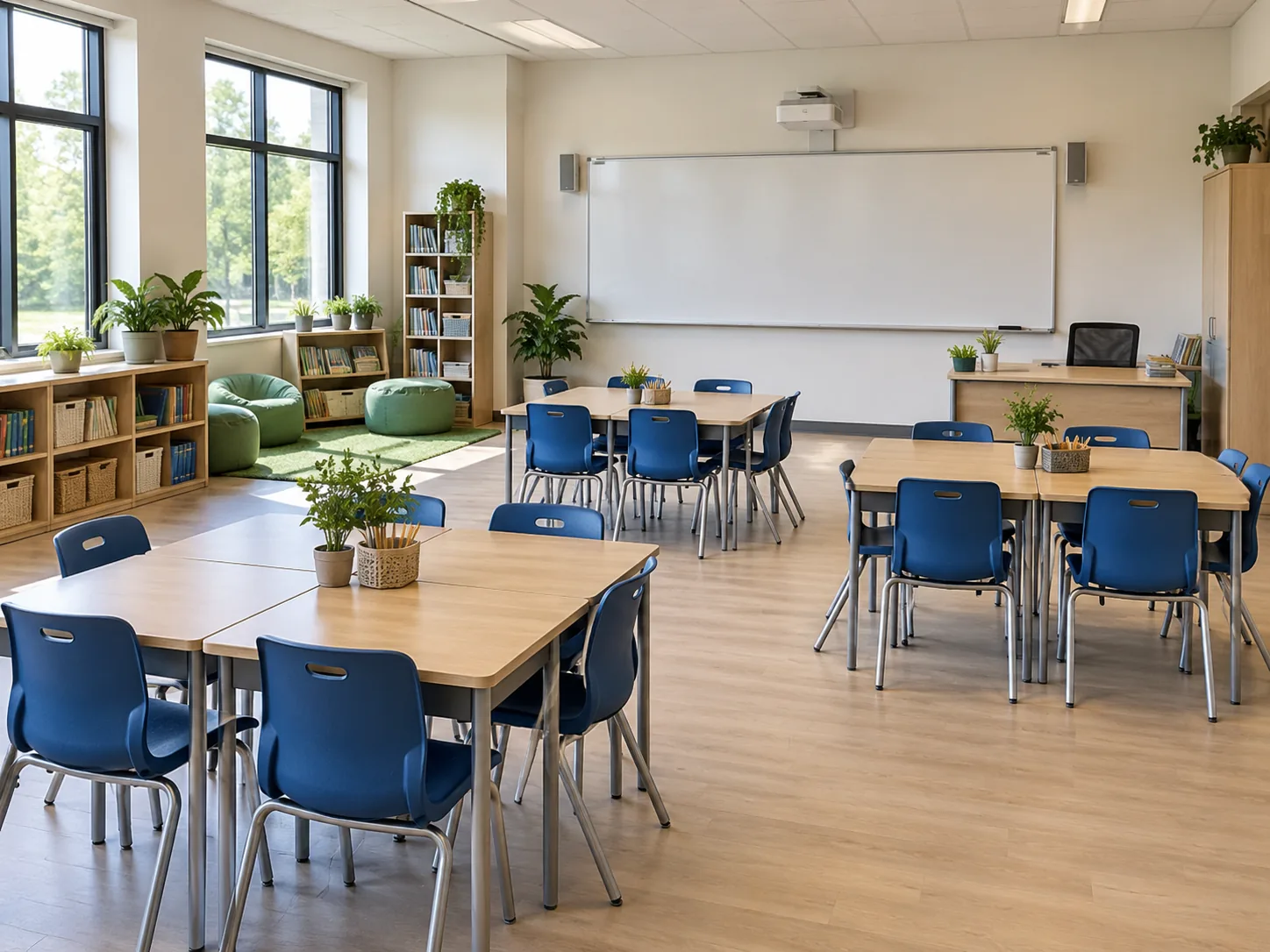
Realistic interior view of an empty classroom showing desk placement and natural room lighting
AI-generated concept

Visual Layout Features

Classroom Layout Maker for Rows, Pairs and Groups

Serving as an intuitive classroom layout creator, the tool generates visual room concepts to help educators test desk configurations, circulation paths, and dedicated learning zones before committing to a physical room setup.

Classroom Floor Plan Designer for 2D and 3D Concepts

Generate top-down 2D layouts and 3D isometric still images to evaluate spatial balance and furniture density across the room. Reviewing seating formations from multiple perspectives makes it easier to spot crowded corners, check student sightlines toward presentation screens, and review central aisles before trying an arrangement in the room.
Classroom Design Tool Guided by Custom Briefs

Enter estimated room dimensions, a target count between 1 and 60 students, your preferred seating pattern, and specific notes in the prompt box. While the tool provides realistic visual guidance rather than certified architectural drawings or guaranteed desk counts, custom briefs allow you to prioritize front teaching stations, perimeter lab counters, or clear circulation paths.

Dedicated Learning and Activity Zones

Designate instructional stations, reading corners, group activity rugs, or perimeter shelving to visualize how support zones interact with student seating. Place storage where students can reach it without crowding doorways, and position quiet reading areas away from busy paths.

Practical Planning Advantages

Classroom Floor Plan Creator for Practical Room Arrangements

Acting as a practical classroom layout planner, the system lets you evaluate desk arrangements, teacher access routes, and activity areas before spending valuable preparation time moving heavy furniture.

01

Create Classroom Layout Concepts Before Moving Furniture

Compare how front-facing rows, desk pairs, collaborative pods, or U-shaped layouts appear within your room footprint. Testing spatial arrangements digitally lets you identify potential bottlenecks near the door, review whether desks face the board, and finalize your seating strategy before rearranging physical tables.

02

Floor Plan for School: Create Your Own Classroom Concept

When developing a floor plan for school, create your own classroom concept one room at a time to tailor individual spaces to specific learning needs. Because this tool focuses on single-room visual arrangements rather than campus-wide architectural blueprints, teachers and department heads can independently evaluate furniture flow, material storage, and student access before coordinating broader facility changes.

03

Create Classroom Floor Plan Options for Changing Term Needs

Adapt your classroom seating plan as instructional priorities evolve throughout the academic year. Quickly previewing alternative layouts makes it straightforward to switch from structured rows during testing periods to paired desks for partner work or small-group clusters for project-based learning.

Planning Workflow

Classroom Floor Plan Generator Workflow in Three Steps

Develop and refine your room concept through a straightforward three-step planning process, moving smoothly from initial dimensional inputs to downloadable visual previews.

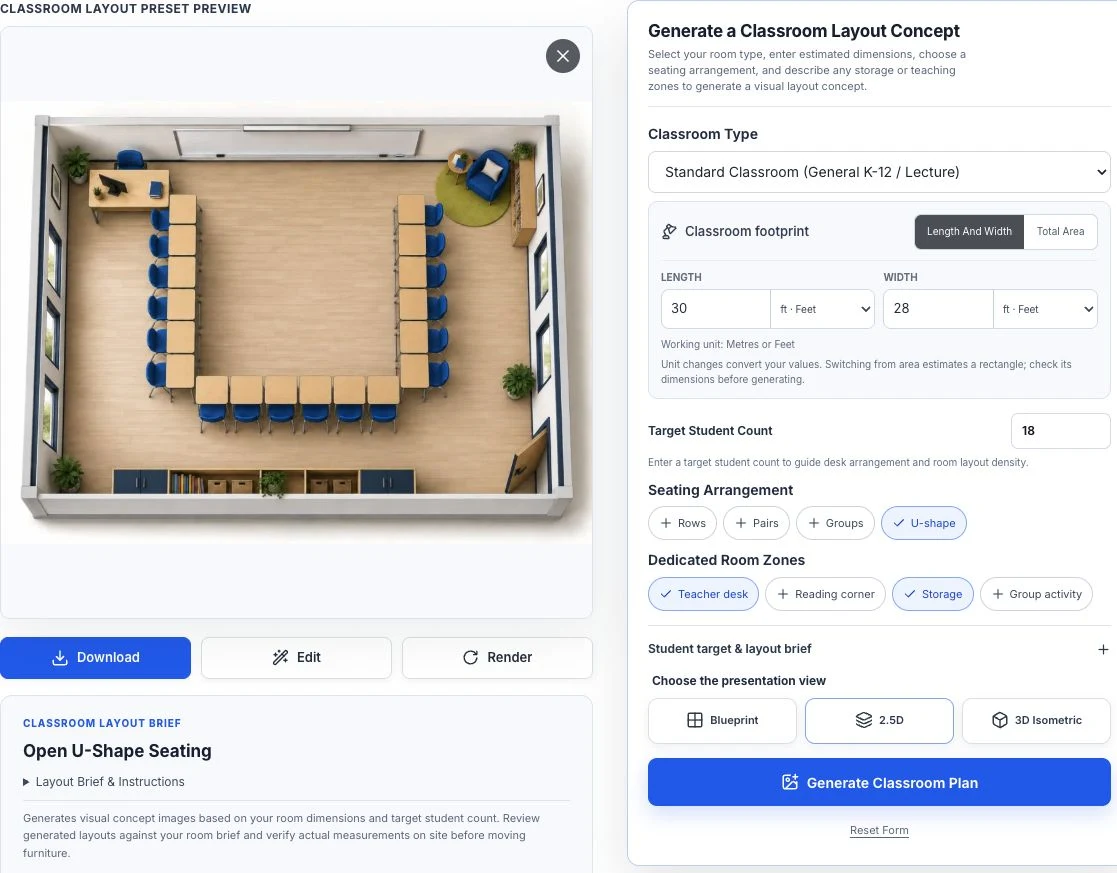
Classroom Floor Plan Creator controls with an illustrative U-shaped seating preset preview.

Set Dimensions and Seating Preferences

Using this flexible classroom floor plan maker, choose your room type, enter approximate room dimensions or total area, specify a target between 1 and 60 students, and select a seating formation such as rows, pairs, pods, or a U-shape. Add notes about doors, windows, and board locations to guide the layout.

  • Room type and dimensions entered
  • Target student count set
  • Seating formation chosen

Generate and Review Visual Concepts

To make a classroom floor plan concept, generate 2D overhead views or 3D isometric still images using credits, taking advantage of the initial guest allowance. Examine the resulting image for aisle placement, student sightlines toward the primary board, and teacher access to individual desks.

  • Spatial flow and aisles reviewed
  • Focal points checked against the brief
  • Concept compared with the room brief

Download Images or Refine with Floor Plan Editor

Download your generated concept images to share with colleagues or keep for your records. If you need selective modifications, transfer the image to Floor Plan Editor for targeted image-to-image revisions with brush or box selection, or switch to Floor Plan Creator to draft a manual 2D layout on a grid canvas.

  • Useful images downloaded
  • Focused edits made in the editor
  • Manual drawing available when needed

Frequently Asked Questions

Classroom Planning Questions & Details

Find practical answers to common questions about generating visual seating concepts, refining room layouts, and using credits.

Realistic interior perspective of an empty modern classroom featuring flexible desk arrangements and perimeter storage
AI-generated concept
How does the Classroom Floor Plan Creator help teachers plan desk arrangements?

When you create a classroom floor plan, the tool converts your estimated dimensions, target student count, and chosen seating pattern into conceptual 2D overhead layouts and 3D perspective still images. Teachers use these visual previews to test main arrival pathways from the door, review sightlines to the whiteboard, and position bookshelves and supply stations before physically shifting heavy desks.

Can I specify exact student numbers and room dimensions?

You can specify a target student count from 1 to 60 alongside estimated room length and width, or total floor area, in either feet or meters. Because generated outputs are conceptual illustrations rather than millimeter-precise CAD drawings, the images may not depict exact desk counts or precise furniture clearances. Always verify actual physical measurements in your classroom before purchasing or arranging furniture.

Do generated layouts certify safety codes or physical walkway clearances?

No. The platform generates preliminary visual concepts solely to help you explore spatial arrangements. Conceptual images do not certify compliance with local building codes, emergency egress requirements, or official accessibility standards. Always cross-check planned pathways and room arrangements with your school safety guidelines and physical site measurements.

What visual styles are available for classroom layout concepts?

When you create a floor plan for a classroom, you can generate top-down 2D blueprint views, 2.5D layouts with styled furniture, or 3D isometric perspective images. Overhead 2D views highlight aisle spacing and circulation, while 3D isometric renderings offer an angled cutaway view to assess vertical proportion and visual clutter. All outputs are still images rather than interactive 3D models or CAD files.

Can I assign student names to desks or manage classroom rosters?

No. The tool focuses strictly on spatial furniture visualization and does not manage student rosters, assign individual seats, or place student names on desks. Because layouts are generated using generic student counts and room descriptions, you never need to input confidential student details or personal information.

How do I refine or modify a generated classroom layout?

You can adjust your text brief by requesting wider center aisles, shifting the reading rug, or relocating storage cabinets, then generate an updated concept using credits. For targeted modifications, transfer your concept image to Floor Plan Editor for brush-based revisions, or open Floor Plan Creator to draft a custom layout manually on a 2D grid canvas.

Do I need an account or credits to use the Classroom Floor Plan Creator?

You can explore layout controls, presets, and dimensions without an account. Generating concept images uses credits; guests and signed-in accounts share the daily free allowance. Sign in to access account history. Additional generations require sufficient available credits. Download any images you want to keep for your records.

Classroom Layout Exploration

Design Your Own Classroom Seating Concept

Use our Classroom Floor Plan Creator to make a classroom layout concept before rearranging physical furniture. Enter your estimated room dimensions, select a seating formation, and generate a visual seating plan tailored to your target student count and teaching zones.

  • Compare rows, pairs, pods, and U-shape seating concepts
  • 2D overhead and 3D isometric still concept images
  • Download images or adjust with Floor Plan Editor